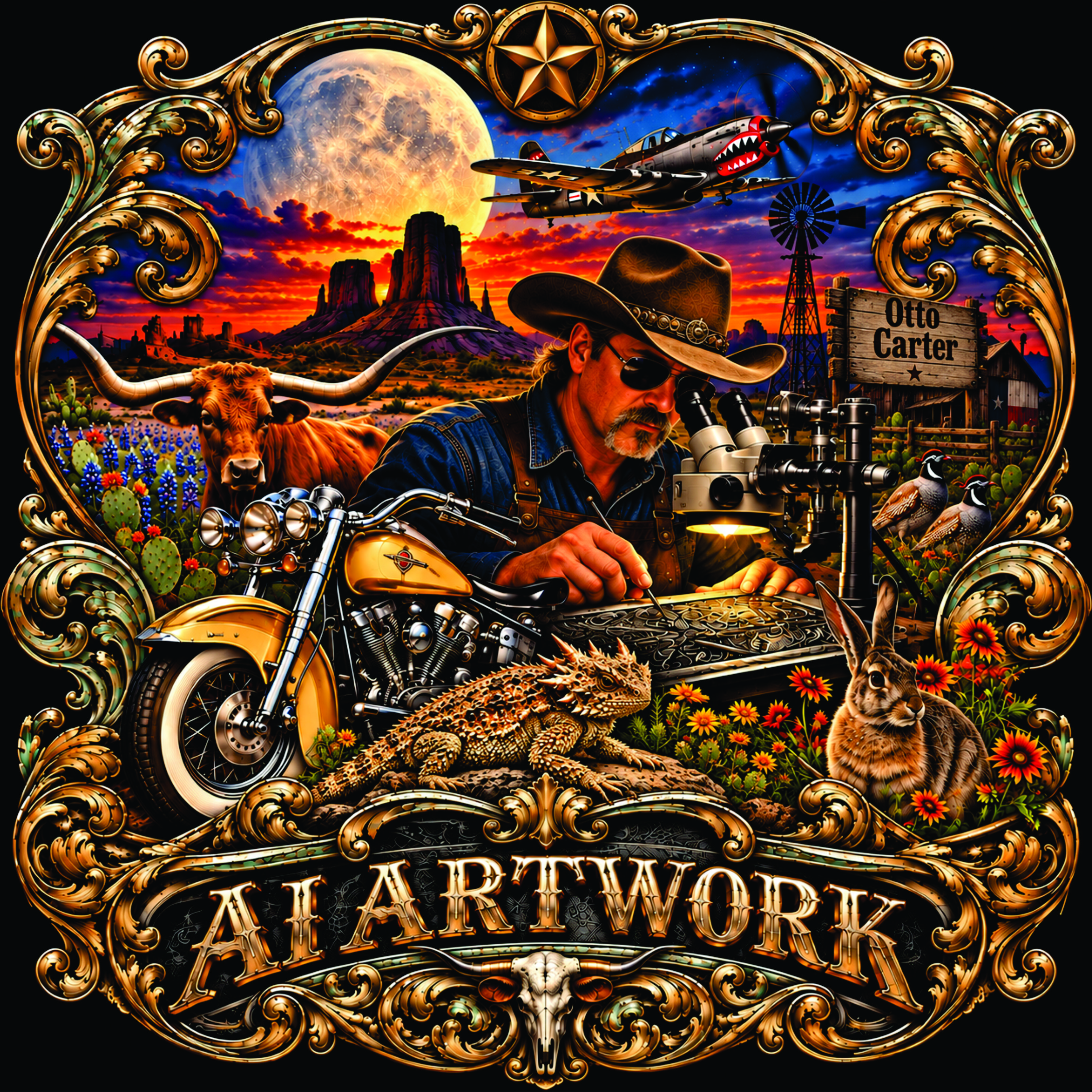
AI Artwork
AI-generated artwork is a relatively new discovery for me, and I must say, the first time I experimented with it, I was absolutely blown away by the quality, detail, and accuracy of the results. It opened up an entirely new world of artistic possibilities, allowing me to explore ideas and concepts in ways I had never imagined.
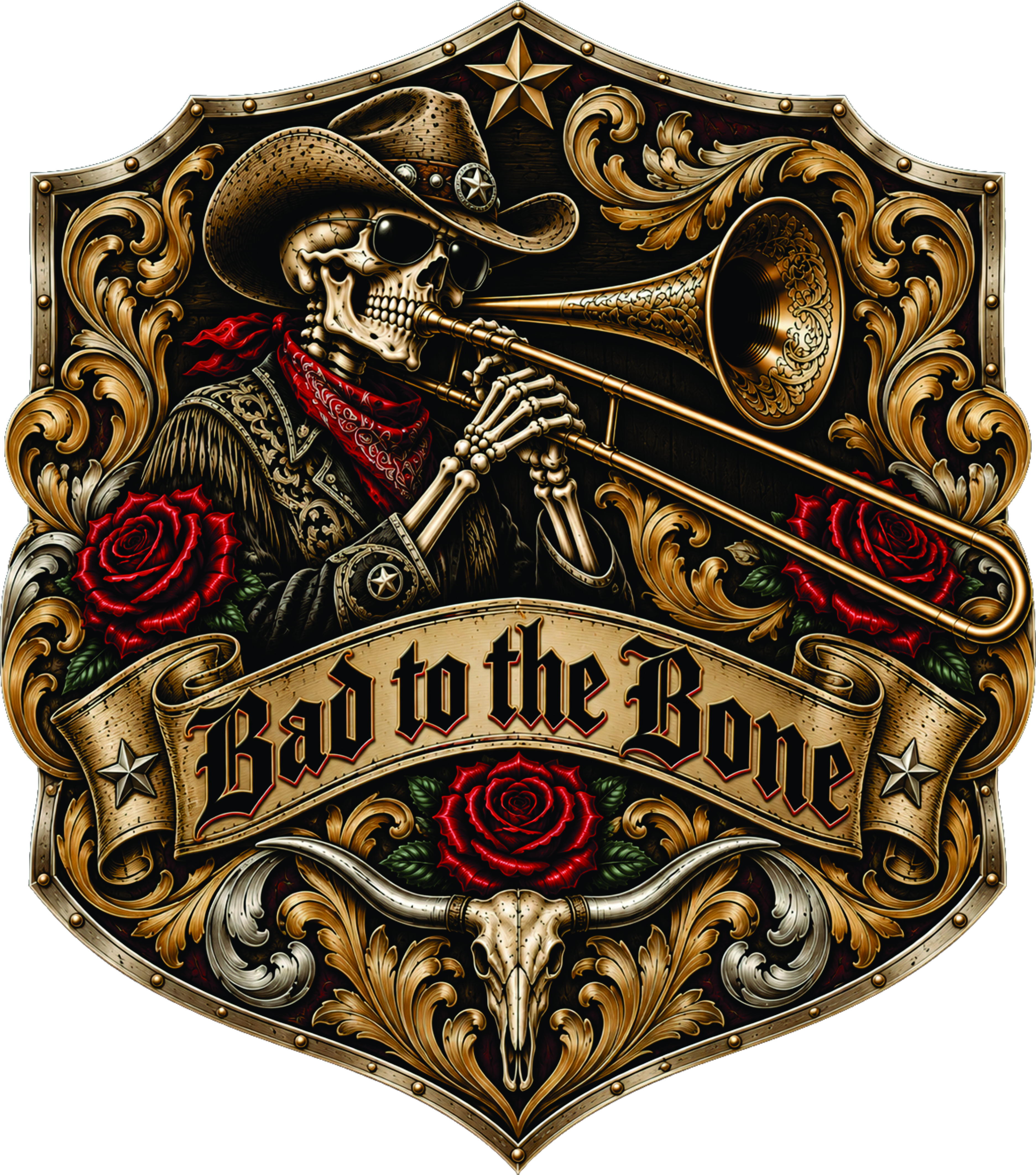
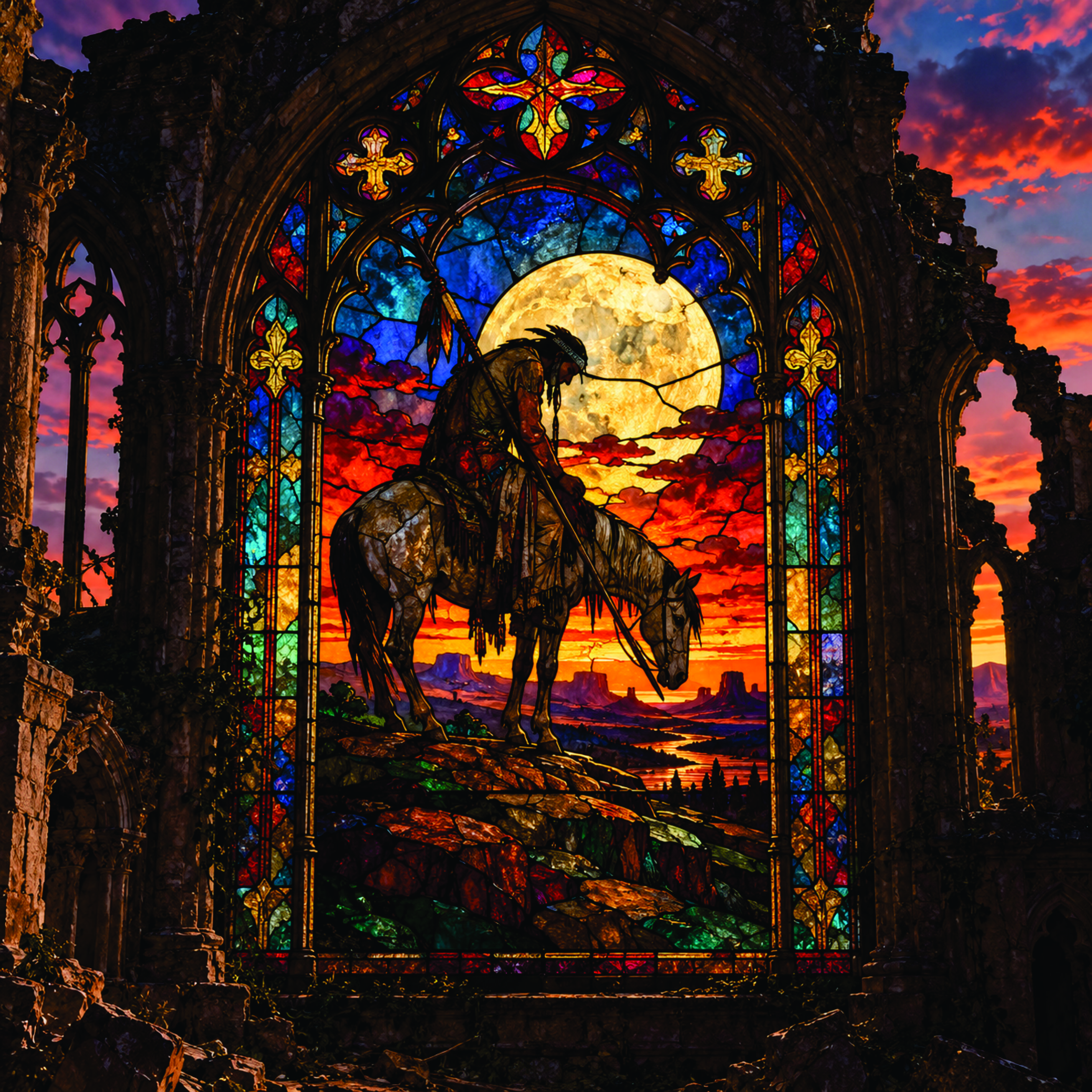
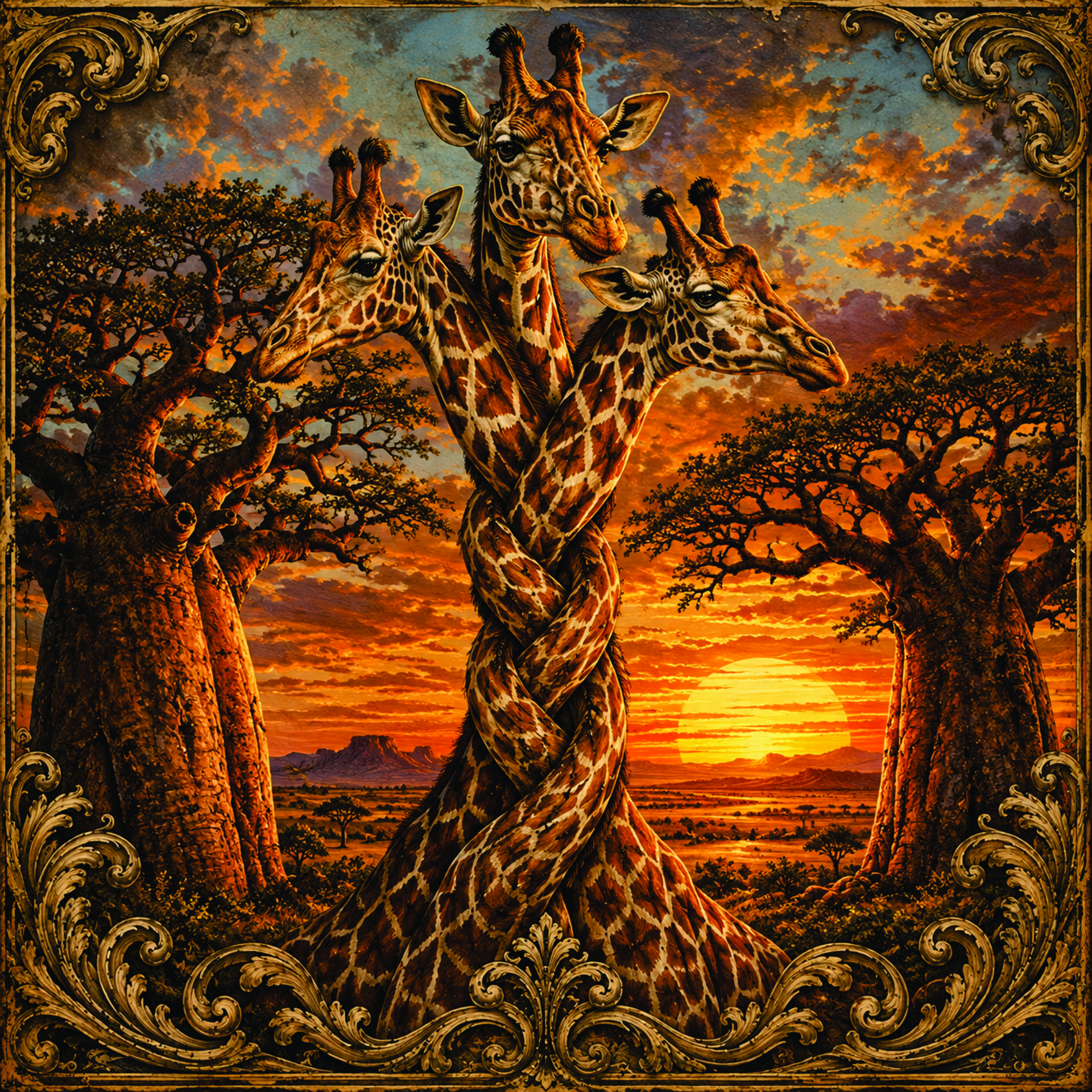
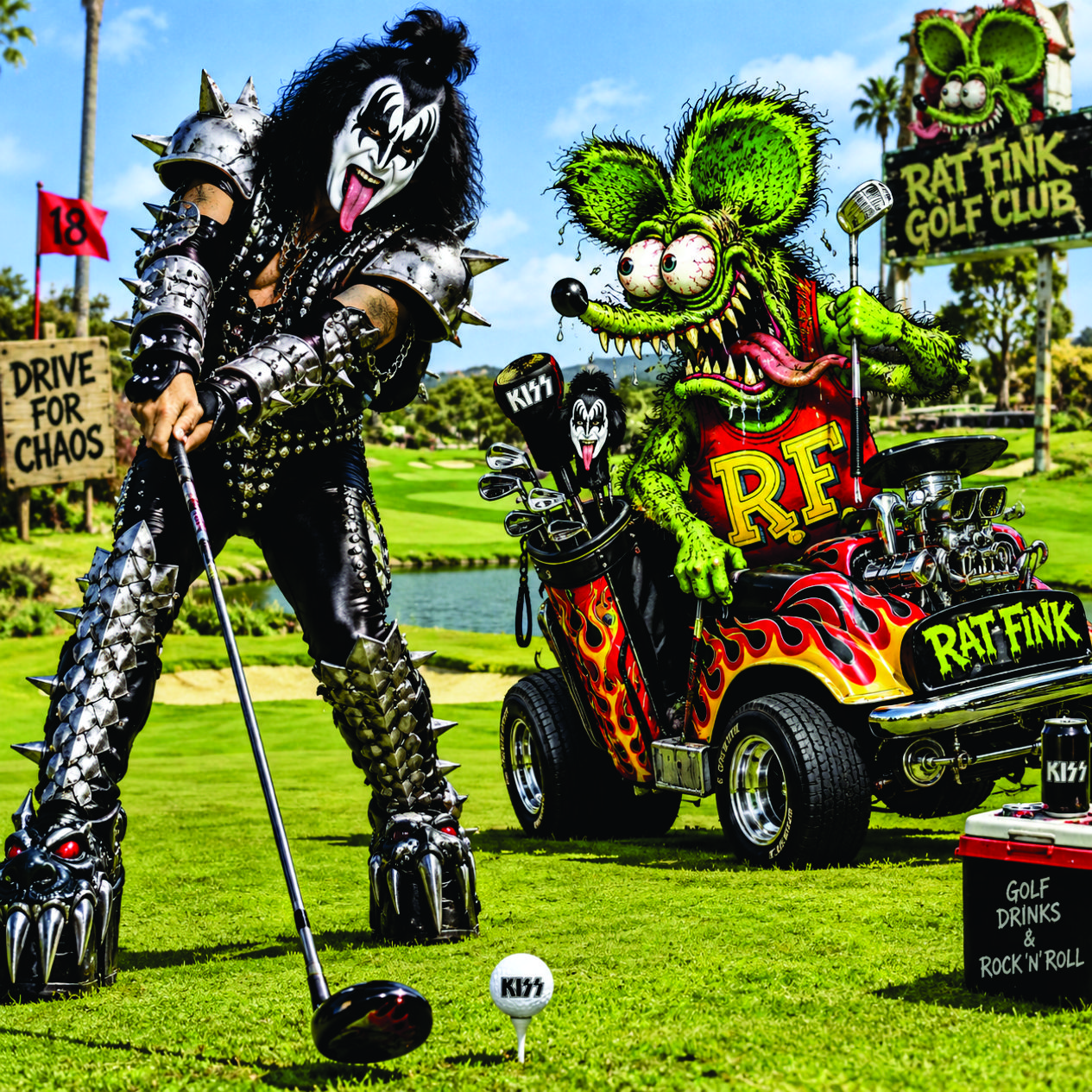
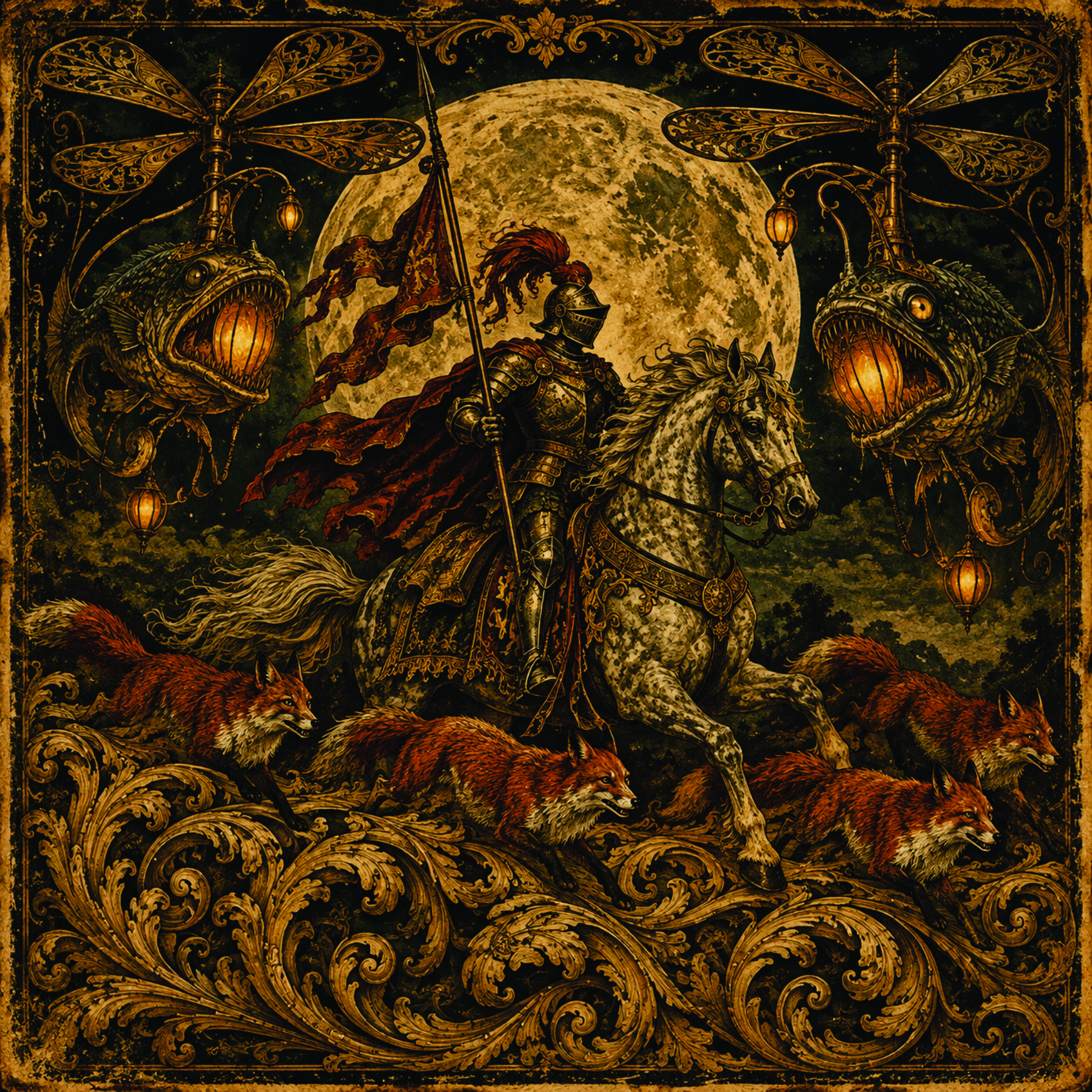
The artwork featured in this collection represents a combination of spontaneous ideas that simply popped into my head and reinterpretations of drawings and paintings I created many years ago. Some are whimsical, some are experimental, and others reflect artistic influences that have fascinated me for decades.
My background in art goes back a long way, both academically and professionally. I attended Abilene Christian University, where I majored in Fine Arts. This was long before computers became part of the creative process. Everything was done by hand, and developing artistic skills required countless hours of drawing, painting, sculpting, and studying the principles of design.
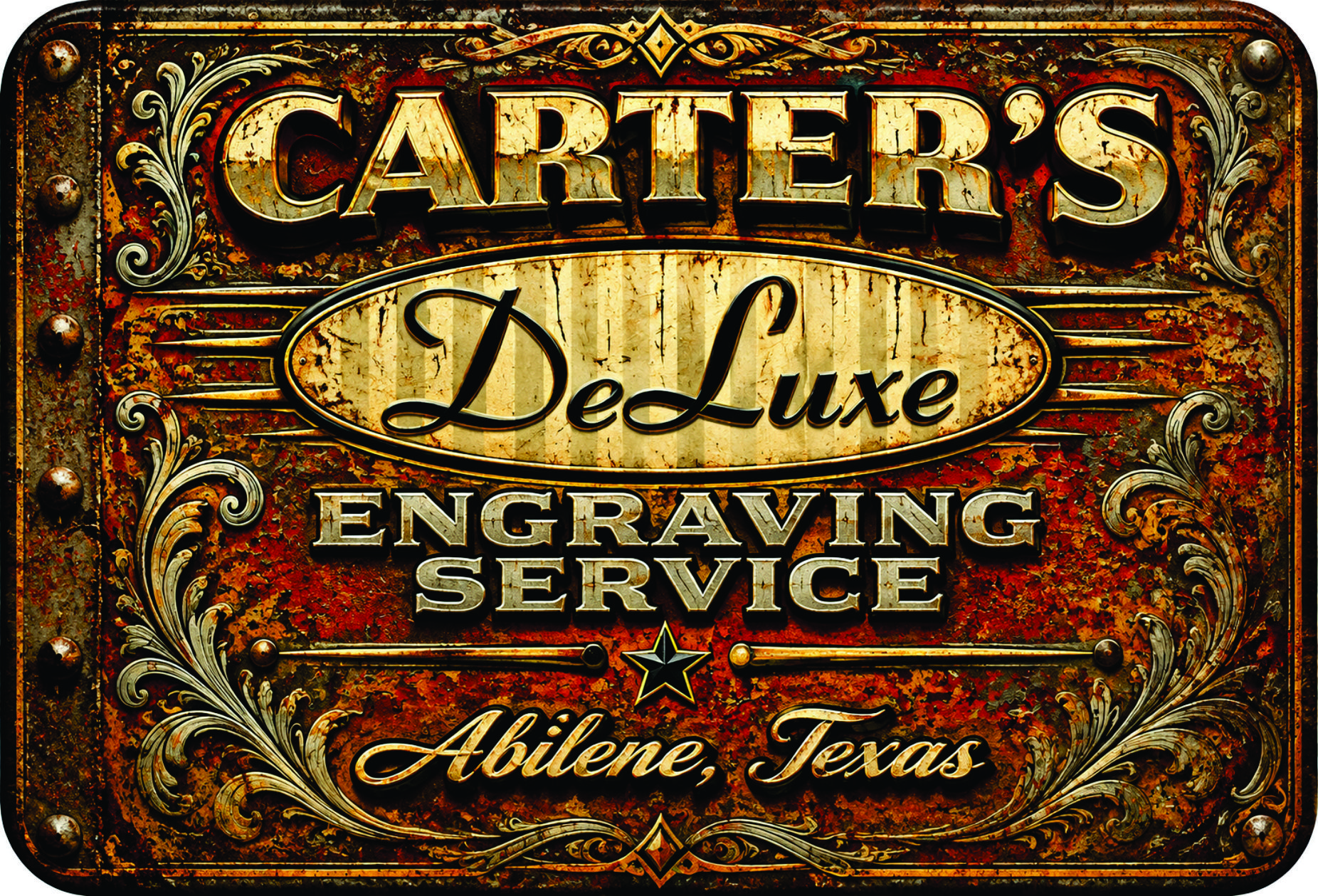
Following college, I pursued a career as a graphic artist and eventually owned a commercial sign company specializing in traditional hand-painted signage. My work included hand-carved and sandblasted signs, gold leaf, pinstriping, vehicle lettering, and commercial signs of all descriptions. It was a time when craftsmanship, a steady hand, and a good eye were essential tools of the trade.
Then, in the mid-1980s, computer-controlled vinyl cutting machines began revolutionizing the sign industry. This new technology dramatically changed the way commercial signs were produced. Recognizing the direction the industry was heading, I eventually purchased a vinyl cutter and adapted to the changing times.
As personal computers became more sophisticated and accessible, I began incorporating digital design into my work. CorelDRAW! became my program of choice, and over the years I developed considerable proficiency with it. In fact, I still use it today.
Now, several decades later, I find myself exploring yet another technological revolution in art: artificial intelligence.
Recently, just for fun and out of curiosity, I've been experimenting with ChatGPT and Google's AI image-generation capabilities. What began as casual experimentation has become a fascinating creative adventure, reconnecting me with much of what I learned during my formal art education.
During my college years, I spent countless hours studying Art History and Art Theory, becoming familiar with the great artists, artistic movements, and philosophies that shaped the world of fine art. In our drawing, painting, and sculpture classes, we also learned a specialized vocabulary for describing visual relationships and artistic concepts. Terms such as planar versus linear, monolithic mass, highly penetrated monolithic mass, figure-ground ambiguity, and countless others became part of our artistic language.
Interestingly, that education has taken on an entirely new relevance.
Because AI image generation relies so heavily on written descriptions and instructions, I find myself reaching back into that old artistic vocabulary to communicate exactly what I want to create. Concepts I learned more than fifty years ago have suddenly become valuable tools for directing a technology that would have seemed like science fiction when I was in college.
In a sense, I've come full circle. The tools have changed dramatically, but the fundamental principles of art and design remain remarkably consistent.
I also find myself revisiting the artists and artistic movements that have inspired me throughout my life. Among my favorites are H.R. Giger, Robert Crumb, Roger Dean, Pablo Picasso, Marcel Duchamp, and Alphonse Mucha. I enjoy exploring styles and movements such as Russian Industrial design, Art Nouveau, Victorian ornamentation, Mesoamerican art, Cubism, and many others. The list continues to grow as new ideas occur to me.
One of the most enjoyable aspects of working with AI is the freedom to experiment. I can take an ordinary concept and reinterpret it through several completely different artistic traditions, combine seemingly unrelated styles, or explore compositions that would have required weeks of work using traditional methods.
Of course, AI doesn't replace the knowledge, imagination, or artistic judgment developed through years of experience. Rather, I see it as another tool—an extraordinarily powerful one—that allows me to put those skills to work in new and unexpected ways.
Having witnessed the transition from hand-painted signs to computer-generated graphics, I find it particularly exciting to experience another major transformation in the creative world. I was there when computers first began changing the sign industry, and now I'm enjoying a front-row seat as artificial intelligence begins reshaping the possibilities of visual art.
For me, this isn't about abandoning traditional art. It's about building upon a lifetime of artistic experience, embracing new technology, and, most importantly, having fun creating things.
I hope you enjoy browsing through these images as much as I've enjoyed bringing them to life. Some are serious, some are downright ridiculous, and others are simply the result of asking myself, "I wonder what would happen if…?"
And that, to me, is where the fun begins.
Below, I've included a few examples of the instructions and descriptions I use to help AI interpret my ideas and achieve the results I'm looking for.
Vive et disce — Live and learn.

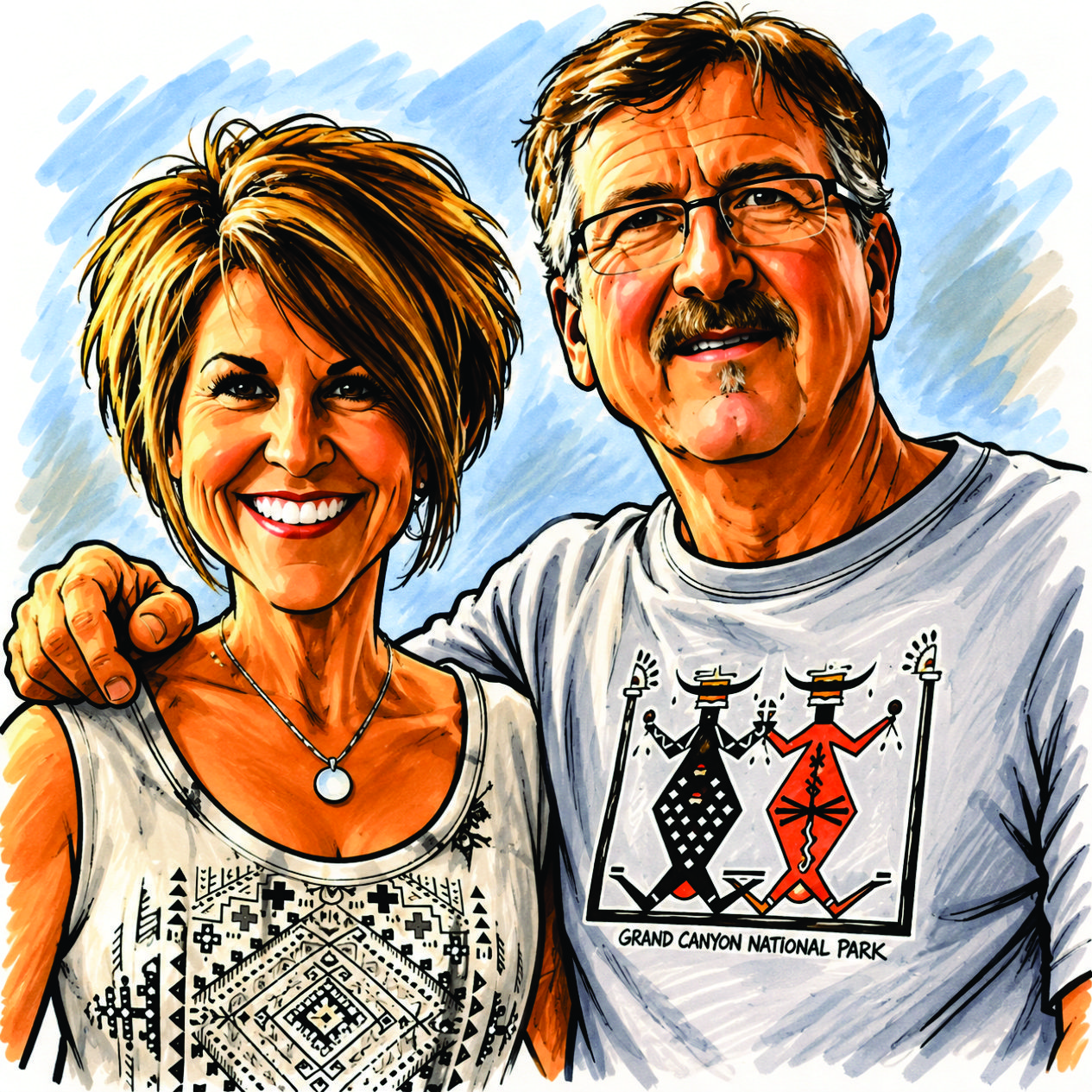
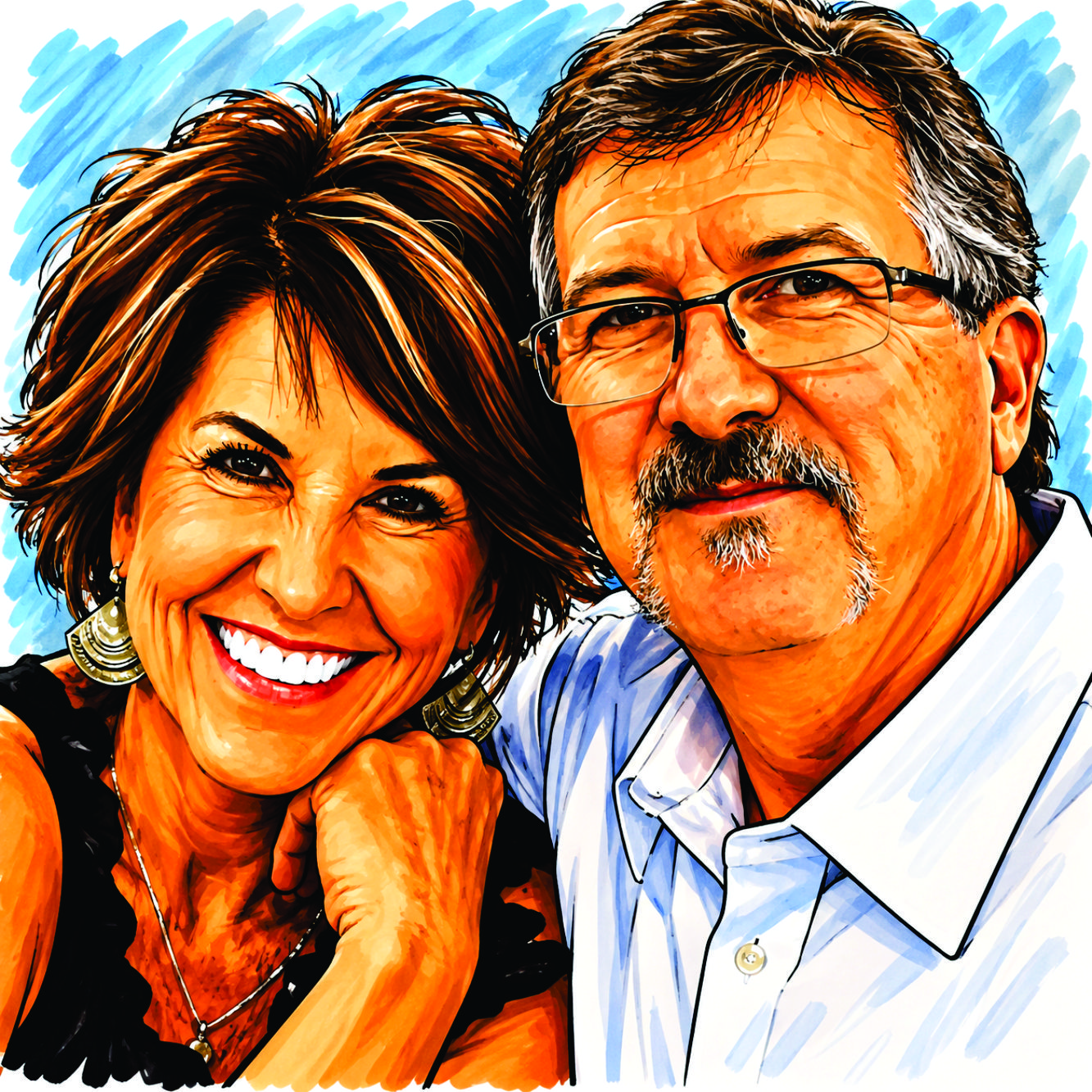
Some helpful hints on AI image generating instructions:
1. Upscale Your Photo
Enhance my uploaded photo to the highest resolution available. Increase
sharpness, recover fine details, reduce pixelation, and preserve original
colors, textures, proportions, and identity without making the image look
artificial.
2. Remove The Background
Remove the entire background from my uploaded photo while preserving the
subject's exact appearance, edges, hair details, clothing, and natural shadows.
Return a clean, transparent-background PNG.
3. Remove Unwanted Objects
Remove [UNWANTED OBJECT] from my uploaded photo. Naturally reconstruct the
hidden background, preserve surrounding details, lighting, perspective, and
textures, and ensure the edited area looks completely seamless.
4. Restore an Old Photo
Restore my uploaded old photograph by repairing scratches, tears, stains,
fading, and damaged areas. Recover visible details while preserving original
facial features, expressions, clothing, and historical authenticity.
5. Colorize a Black-and-White Photo
Colorize my uploaded black-and-white photograph using historically plausible
colors. Preserve facial identity, skin texture, clothing details, original
lighting, and composition without introducing imaginary objects or changing the
scene.
6. Professional Headshot Generator
Transform my uploaded portrait into a professional corporate headshot. Improve
lighting, framing, background, and image clarity while preserving my actual
face, expression, age, and natural appearance.